
Playback tools
AI generation · repeat all · shuffle cards · playback speed
01 · SHADOWING
Lingoban’s shadowing lets you listen to the sentences you’re learning and repeat them aloud. Join Luna to explore the playback tools and cards with images.
Start shadowing →
AI generation · repeat all · shuffle cards · playback speed
View analysis · card layout · settings
Use play and pause, previous and next, and the progress bar to choose where to practise.
02 · AI GENERATION
Open “AI generation,” check the target sentences, and choose native audio or images. This menu creates audio and images for selected cards; it does not write new sentences.
Choose a voice. Select audio that is already available, or check the cost before generating audio that is missing.
Create a scene for the expression you’re learning. Check the generation status and view the image on the card when it is ready.
Check the target sentences, selected options, and AI credit cost. Generating images and native audio may use credits.
03 · REPEAT AND SHUFFLE
Practising in a familiar sequence feels different from not knowing which card comes next. Use repeat all and shuffle to suit your goal.
Turn this on to return to the beginning after the last card. Set the repeat count for each card separately in settings.
Mix the order of your practice cards. Focus on each sentence rather than memorizing the sequence. Switching shuffle resets the practice position to the beginning.
Start in order, then shuffle once the sentences feel familiar. Finishing playback does not complete an FSRS review.
04 · PLAYBACK SPEED
Choose 0.5×, 0.75×, 1×, 1.5×, or 2× in the playback speed menu. Start at a speed where you can hear how the words connect.
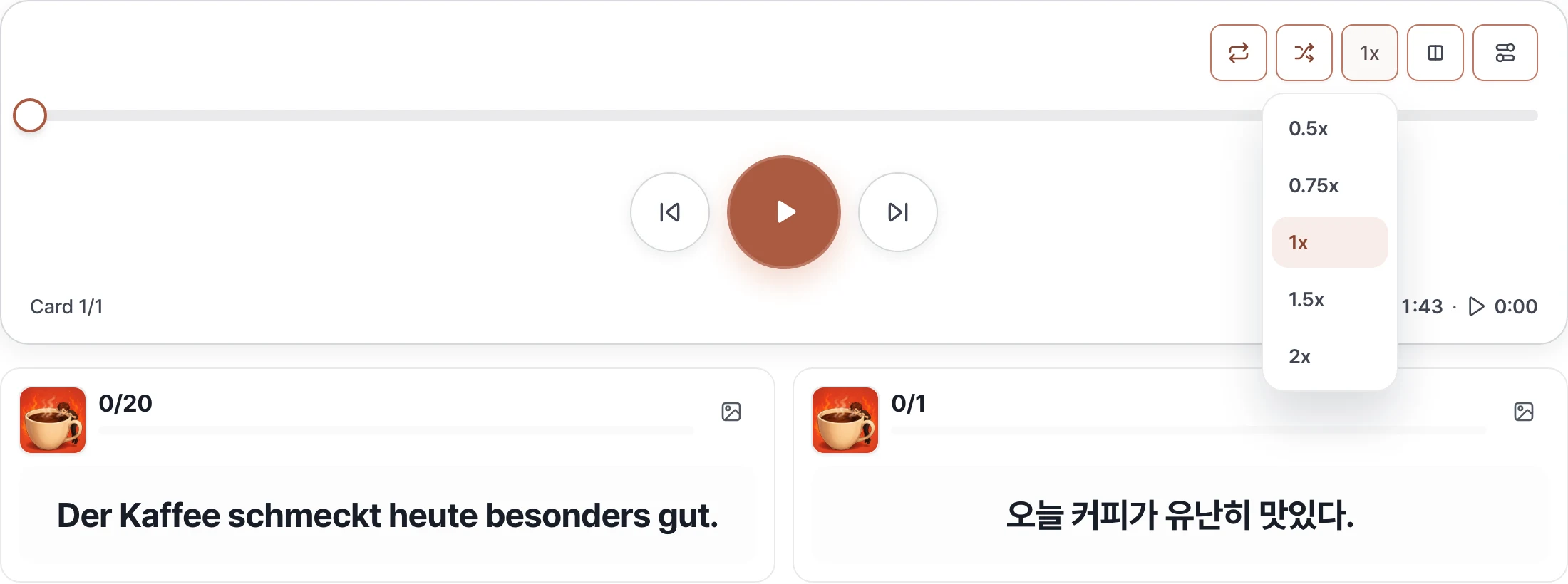
Listen slowly to hear how the sounds connect.
Repeat the sentence’s rhythm at its original speed.
Listen through familiar sentences more quickly.
Playback speed and pauses are different. Adjust shadowing and waiting time in settings to leave room to repeat aloud.
05 · CARD LAYOUT
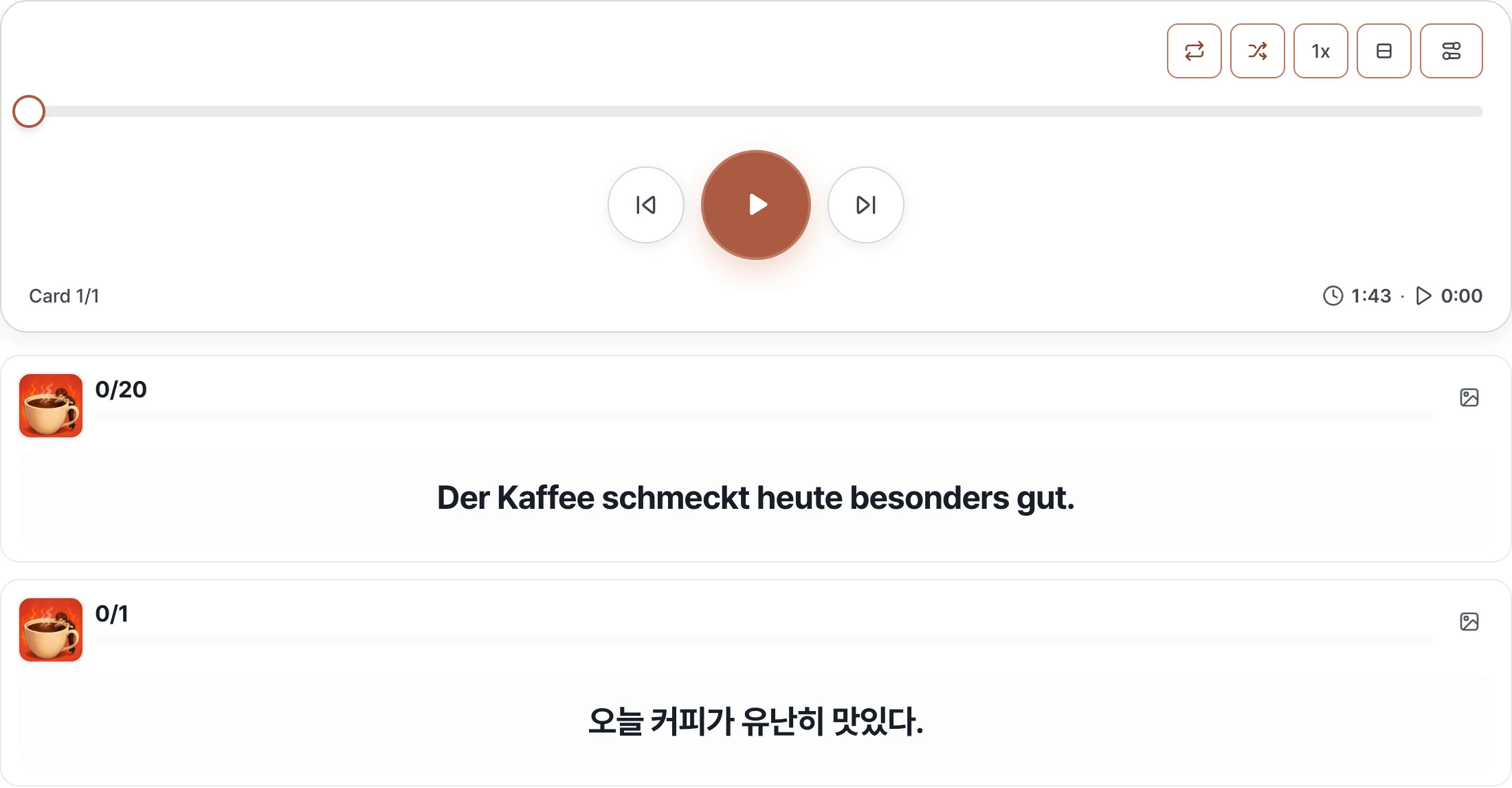
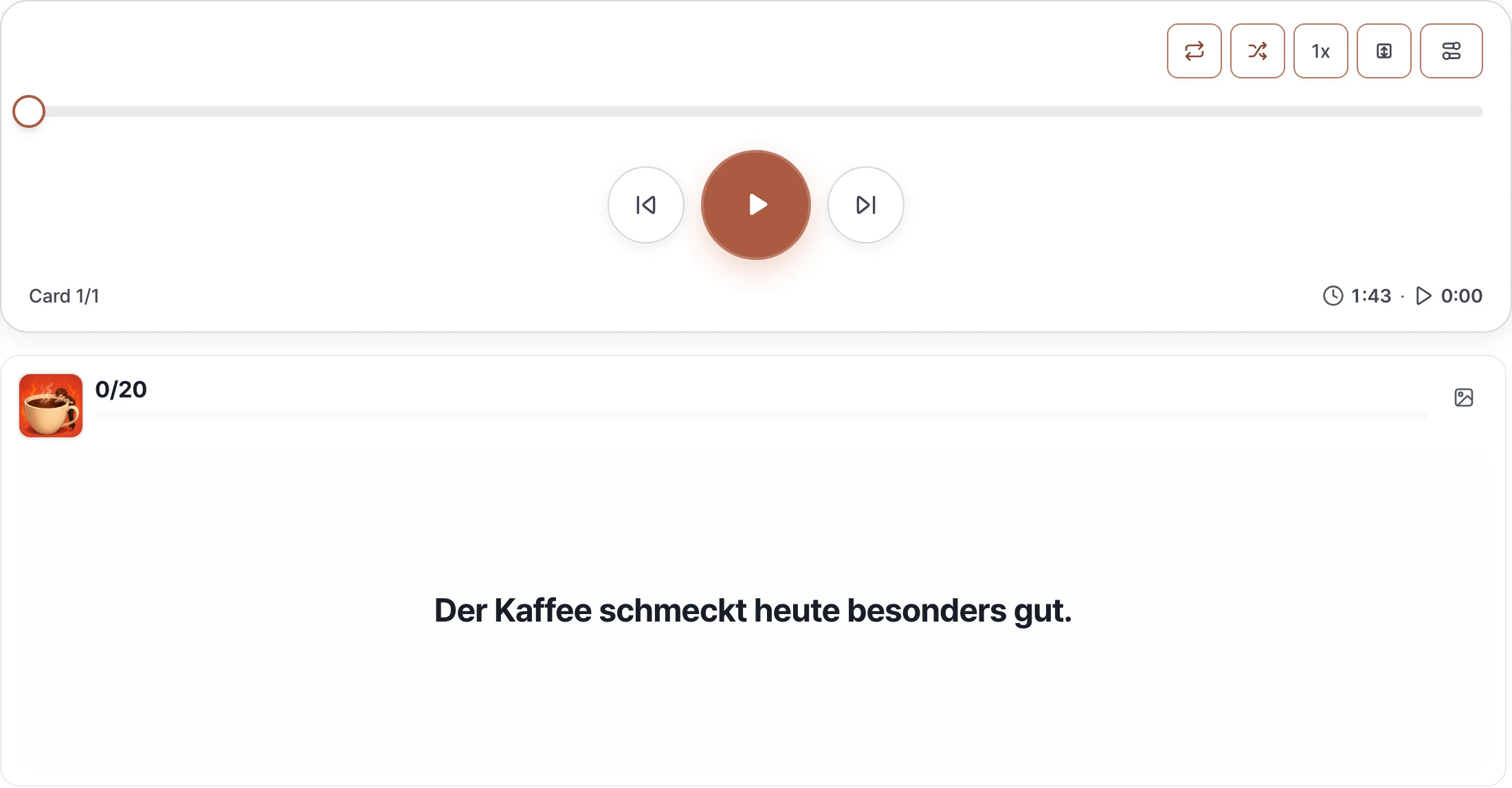
Choose how to view your learning language and your language in “Card layout.” Match the layout to your screen and sentence length to make reading and repeating easier.
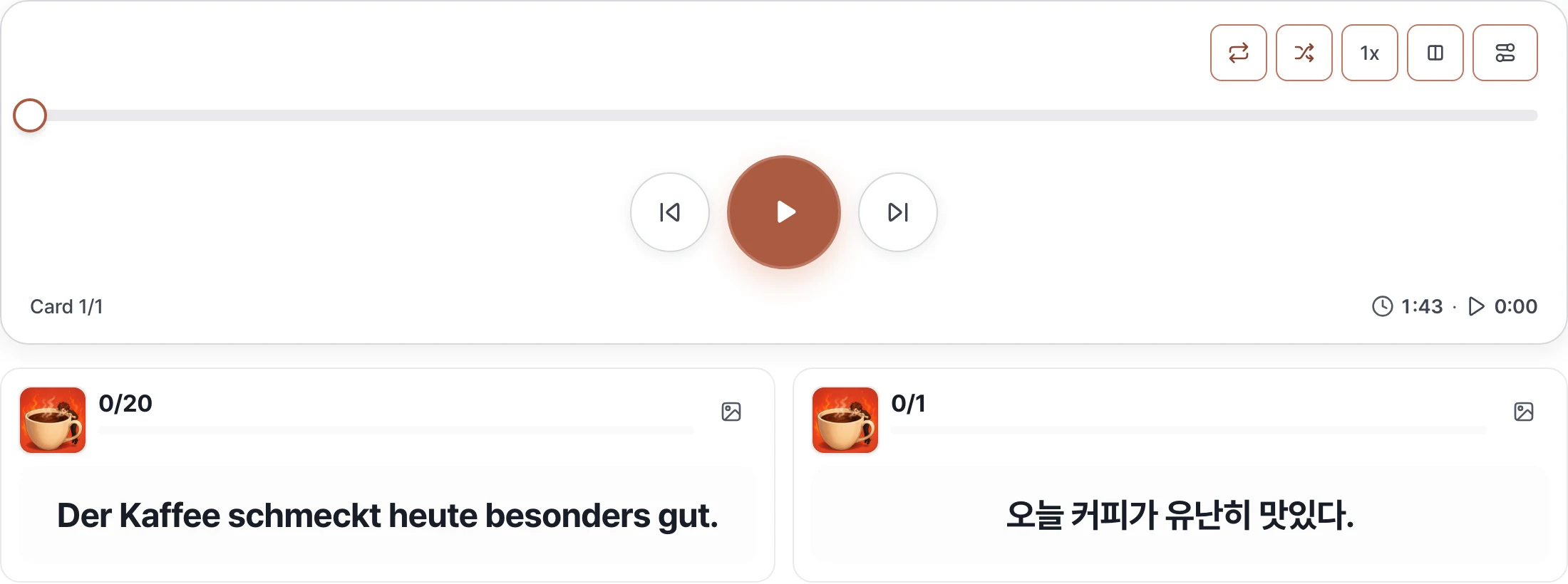
Compare German and your language side by side. This works well for seeing both sides on a wide screen.
Place the two sides one above the other, giving each sentence more width.
Read the two sides vertically and scroll when the content is long. Explore long sentences without clipped text.
06 · CARDS WITH IMAGES
When an image is available, a thumbnail appears at the top left of each card. Use the thumbnail or the image-shaped hide button to switch between text and images.


Read the text with the thumbnail at the top left of the card.
Select the thumbnail to hide that side’s text and enlarge the image. Select the image again to return to the text.
The two cards collapse and the shared image fills a wider area. Select the large image to show one side’s text again.
Use the eye-shaped button to hide the text and focus on the sound. You can also use an image to recall the meaning or sentence.
07 · SETTINGS IN DETAIL
In “Settings,” adjust repeat counts and shadowing separately for your learning language and your language, then select “Apply settings.”
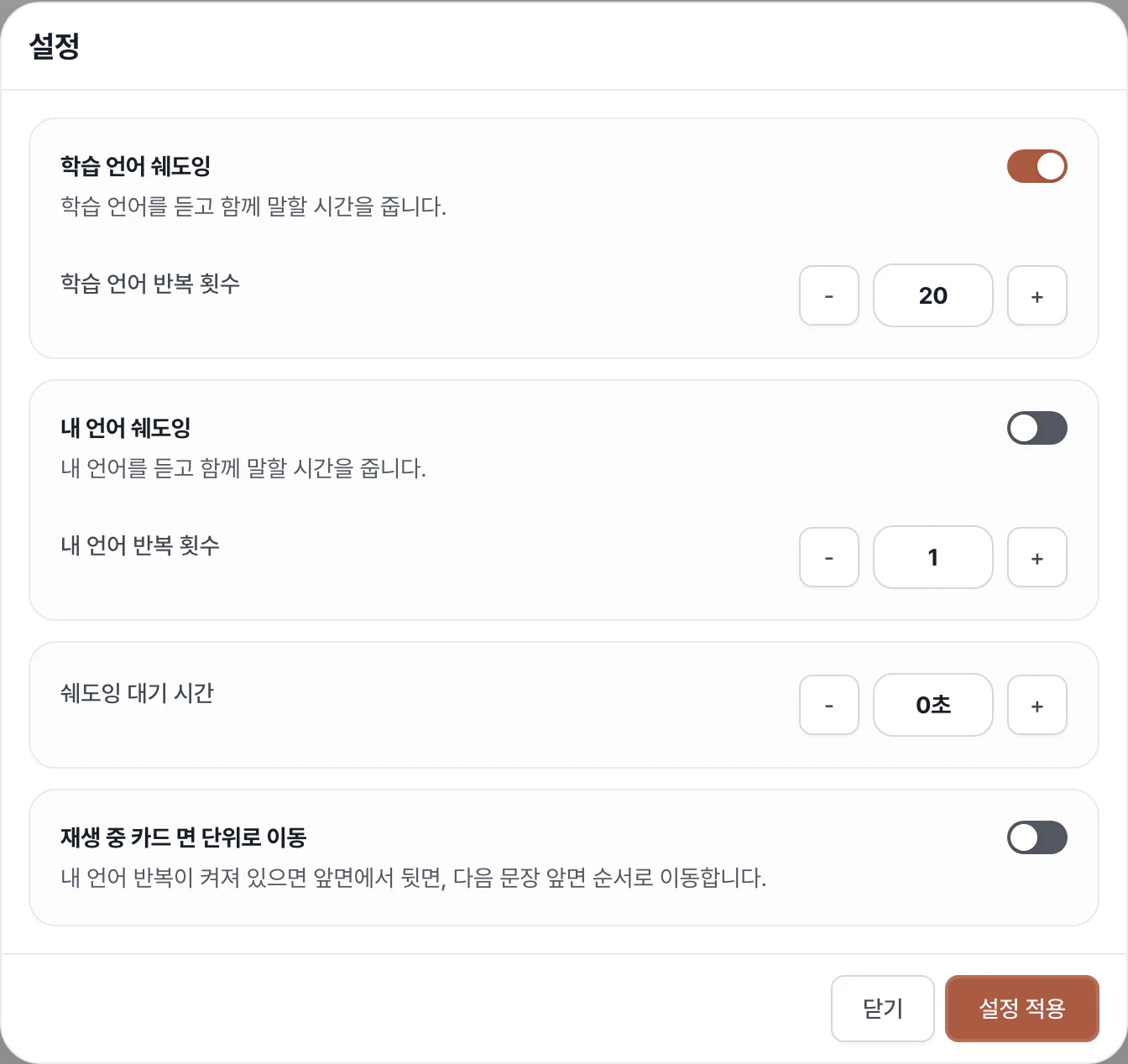
Choose how many times to hear each language. Set one side to 0 to turn it off, but at least one side must play once or more.
Choose whether to leave time to repeat after each language. For example, you can focus on speaking German.
Choose a preparation pause from 0 to 10 seconds before the next step. Adjust it together with your speaking time.
When repeats for your language are enabled, choose to move from front → back → the next card’s front.
08 · KEEP LEARNING
Listen and repeat at the default speed first. Open “View analysis” to check unfamiliar expressions, then test your memory in review.
Start shadowing →Choose a short sentence → listen → repeat aloud → adjust only the settings you need.
Shadowing is speaking practice. In review, you recall the answer and rate your memory. Automatic pronunciation scoring is not a promise of this feature.